فارسی
فارسی
Materials consultation
PlannedBring building suppliers appointments into one clear schedule. Choose the service, provider and available time, then review the details before confirmation.
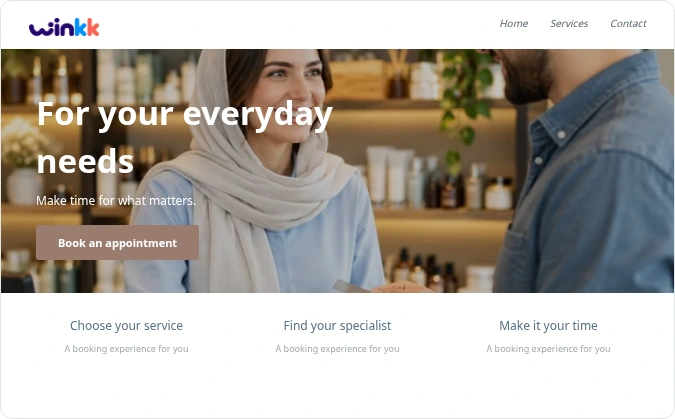
Give clients one clear place to see your services, team and available appointments, with a booking journey that adapts to their screen.
Explore the working essentials and see which specialist capabilities are still being developed.
Bring building suppliers appointments into one clear schedule. Choose the service, provider and available time, then review the details before confirmation.
Shared resource allocation is planned and not enabled. Current availability checks the service provider; it does not reserve rooms, courts, equipment or vehicles.
Bring building suppliers appointments into one clear schedule. Choose the service, provider and available time, then review the details before confirmation.
Bring building suppliers appointments into one clear schedule. Choose the service, provider and available time, then review the details before confirmation.
Configurable intake forms are planned and not enabled. Booking currently collects fixed contact details and an optional note; sensitive clinical questionnaires need a separately verified workflow.
Bring building suppliers appointments into one clear schedule. Choose the service, provider and available time, then review the details before confirmation.
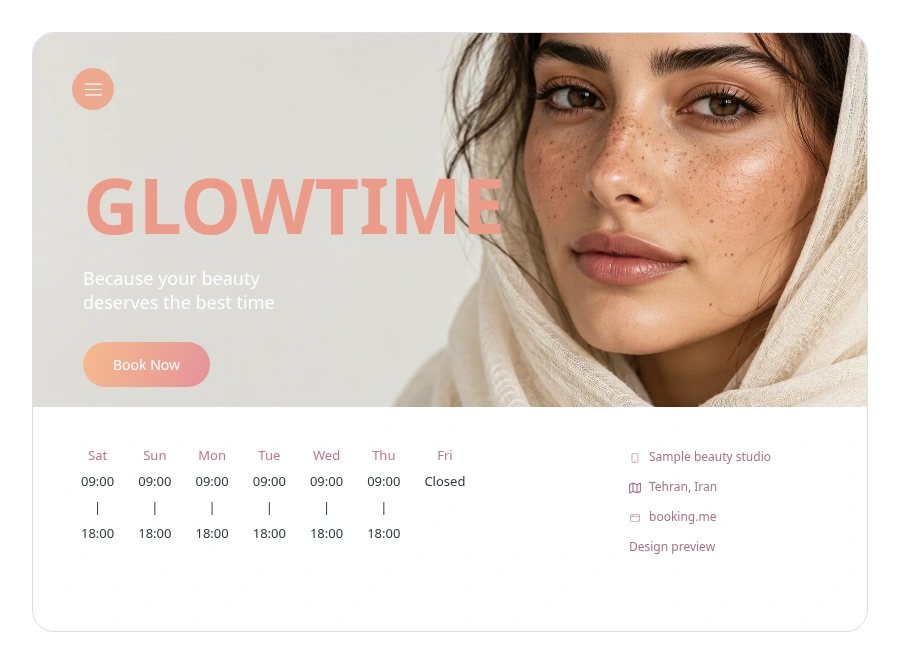
Walk through the journey from your client’s point of view. The example contains demonstration data.
Arrange showroom consultations and collection appointments around your team's availability.
Keep appointments and team availability together, with clear availability information for specialist tools.
Set the duration, price and eligible team members for each service.
Set weekly hours and exceptions for holidays or time off.
Leave a buffer between appointments when your service needs it.
These capabilities are not enabled in the current booking examples. The example uses scheduled appointments and pay-at-business pricing.
These capabilities are not enabled in the current booking examples. The example uses scheduled appointments and pay-at-business pricing.
Demonstration examples with synthetic data. These are not customer endorsements.
Winkk brings your building suppliers services, availability and appointments together. Clients start at your booking page while your team manages the schedule from the business workspace.
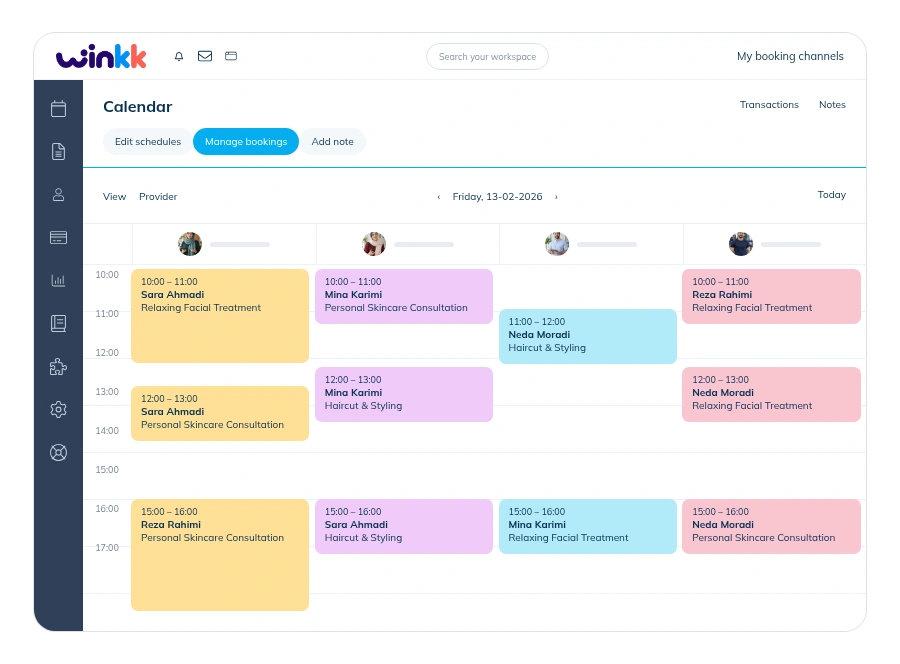
Start with the booking example and explore the tools that fit your business.

Arrange showroom consultations and collection appointments around your team's availability. Review the duration and price, then choose an available provider. Choose a date and one of the available start times. Group services show remaining places. Add your name and phone, review the total and keep your private booking-management link.
No. Booking examples are demonstration businesses with synthetic data. Making an example reservation does not purchase a real service.
Cancellation follows the business policy and releases the reserved time or places. Eligible individual appointments can be moved to another available time. Group bookings cannot be rescheduled by customers.
Examples show prices in toman and use payment at the business. Zarinpal setup and payment tracking are available in the workspace; live charging is disabled. Deposits are not included.
Multi-location appointments, Document intake and approval, Queue and arrival management. These capabilities are not enabled in the current booking examples. The example uses scheduled appointments and pay-at-business pricing.
Yes. The responsive booking page supports Persian and English, with Jalali and Gregorian dates.