فارسی
فارسی
Book at any time
- Clients choose from the hours you make available. Existing bookings and time off are taken into account.
- Introductory lesson
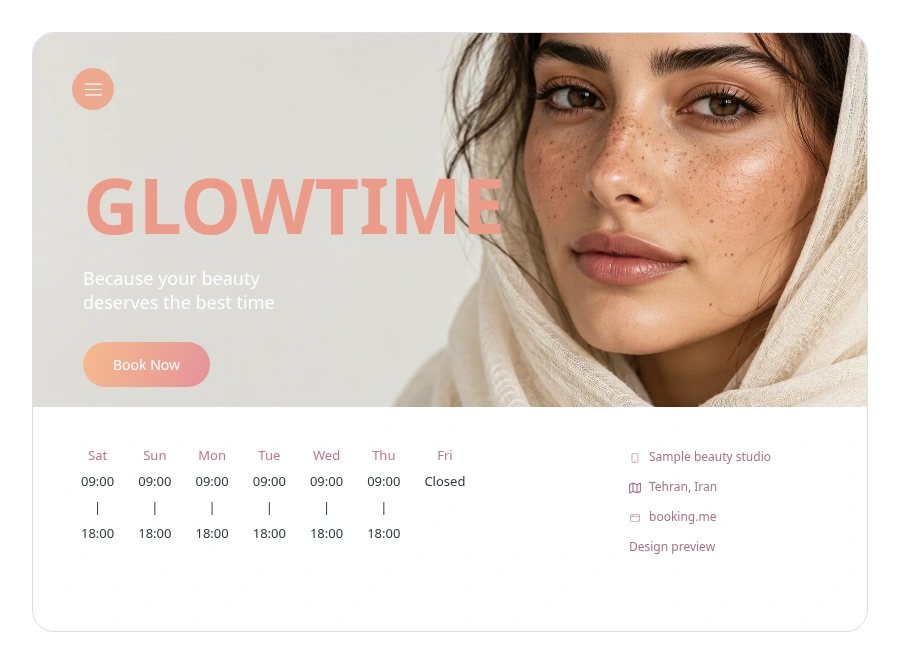
Give clients one clear place to see your services, team and available appointments, with a booking journey that adapts to their screen.
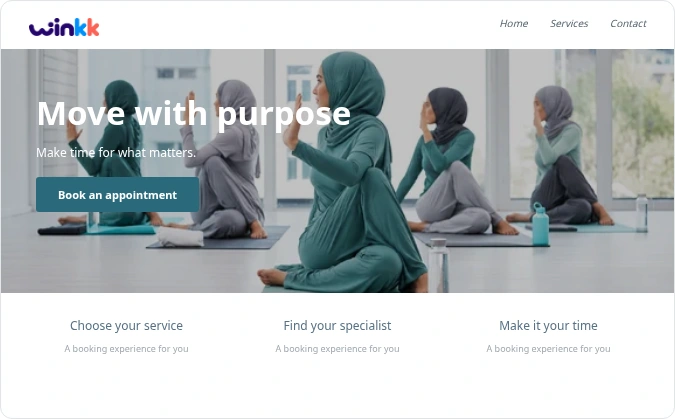
Link to your booking page from your website.
AvailableShare your booking link so clients can choose an available time.
AvailableNative social booking integrations are planned.
PlannedDirect business-profile integration is planned.
PlannedOrganise golf instruction around your coaches' available hours, from a first lesson to a technique review.
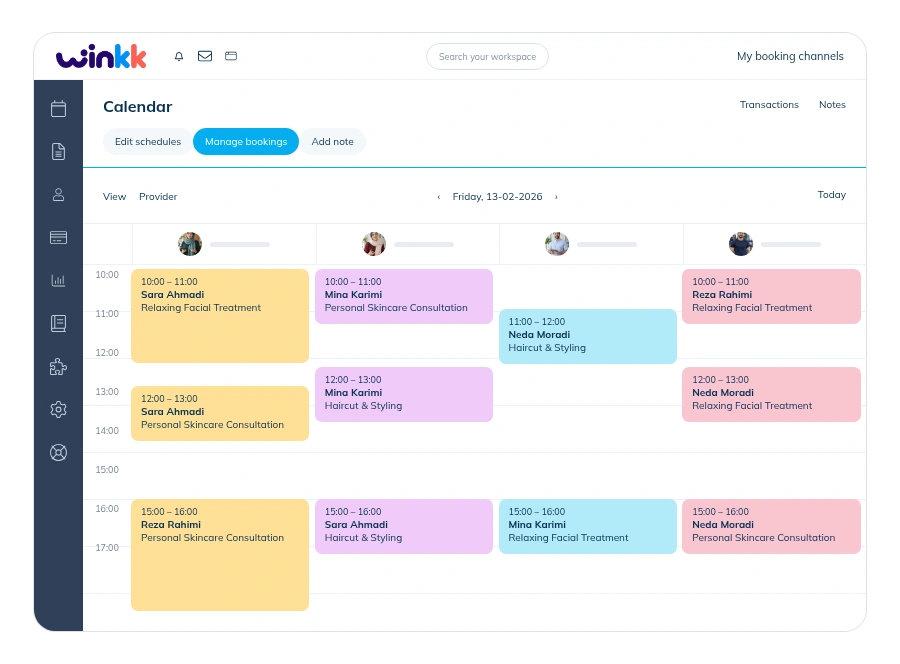
Keep appointments and team availability together, with clear availability information for specialist tools.
Set the duration, price and eligible team members for each service.
Set weekly hours and exceptions for holidays or time off.
Leave a buffer between appointments when your service needs it.
These capabilities are not enabled in the current booking examples. The example uses scheduled appointments and pay-at-business pricing.
These capabilities are not enabled in the current booking examples. The example uses scheduled appointments and pay-at-business pricing.
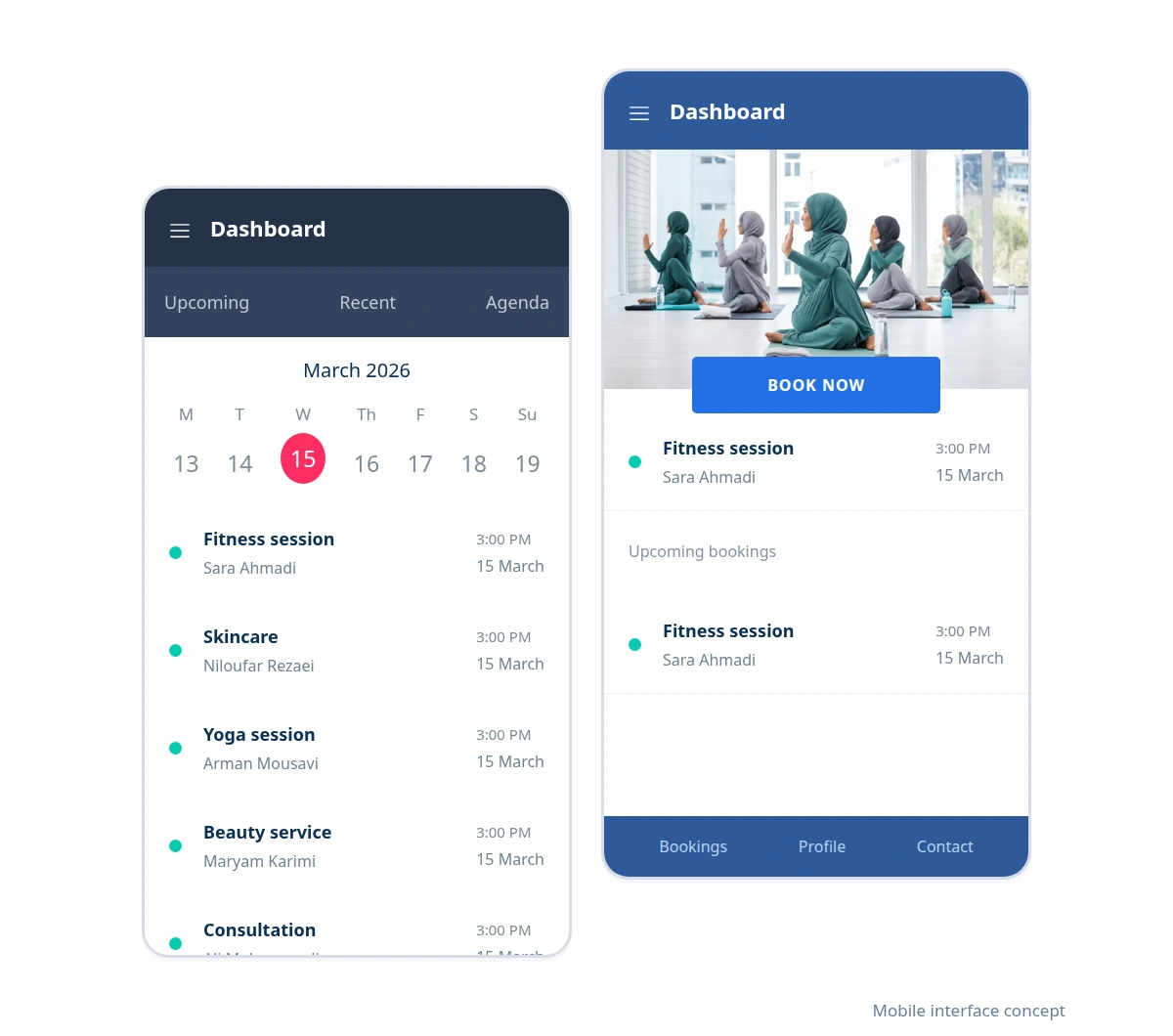
Clients can choose a service and time in their mobile browser. Your team can also open the calendar and manage appointments on the web.
Responsive booking; no installation needed.
Manage appointments in the business workspace.
Client/admin web apps and an Android admin review build are available. Store distribution and native iOS are not included.
Try mobile bookingWalk through the journey from your client’s point of view. The example contains demonstration data.
Organise golf instruction around your coaches' available hours, from a first lesson to a technique review.
Explore an example from service selection to appointment confirmation. Then create your business workspace and start setting up services and working hours.
Demonstration examples with synthetic data. These are not customer endorsements.
Start with the booking example and explore the tools that fit your business.

Create your business, set your availability and share your booking link with clients.
Organise golf instruction around your coaches' available hours, from a first lesson to a technique review. Review the duration and price, then choose an available provider. Choose a date and one of the available start times. Group services show remaining places. Add your name and phone, review the total and keep your private booking-management link.
No. Booking examples are demonstration businesses with synthetic data. Making an example reservation does not purchase a real service.
Cancellation follows the business policy and releases the reserved time or places. Eligible individual appointments can be moved to another available time. Group bookings cannot be rescheduled by customers.
Examples show prices in toman and use payment at the business. Zarinpal setup and payment tracking are available in the workspace; live charging is disabled. Deposits are not included.
Memberships and class packages, Recurring classes and waitlists, Shared equipment and room allocation. These capabilities are not enabled in the current booking examples. The example uses scheduled appointments and pay-at-business pricing.
Yes. The responsive booking page supports Persian and English, with Jalali and Gregorian dates.