 فارسی
فارسی
Set up your business
Add services, providers, working hours and business details.
Connect Google Calendar or Outlook, share a private subscription with other calendar apps, and import busy-time snapshots to keep appointment availability clear.
Connection requiredOptional features are enabled and configured by each business.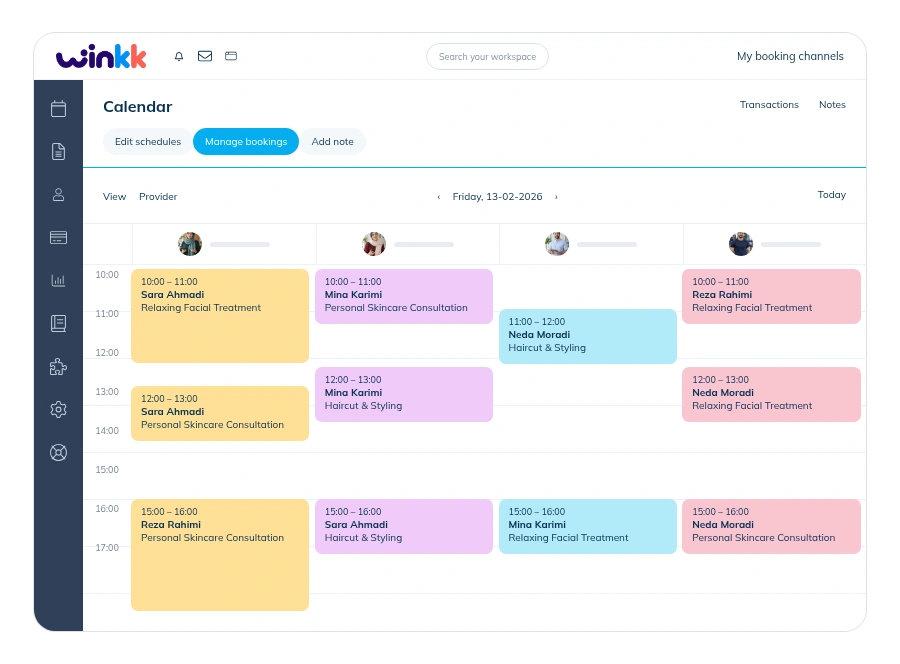
 WinkkBook effortlessly.
Authorize Google or Outlook, select a calendar and provider, then enable busy-time import and booking export. Sync needs valid credentials and a successful update; disconnected accounts are never presented as synchronized.
Setup guideIssue a private, revocable calendar link for compatible apps such as Apple Calendar and Outlook. Only busy periods are shared. Upload a non-recurring ICS snapshot for blocking time; snapshots need manual replacement and subscriptions refresh on the receiving app’s schedule.
Help & answersAdd services, providers, working hours and business details.
Check your website and booking settings before publishing.
Let customers open your website and book available times.
Set up your services and working hours, then share your booking website with customers.