فارسی
فارسی
Your website
Link to your booking page from your website.
AvailableGive clients one clear place to see your services, team and available appointments, with a booking journey that adapts to their screen.
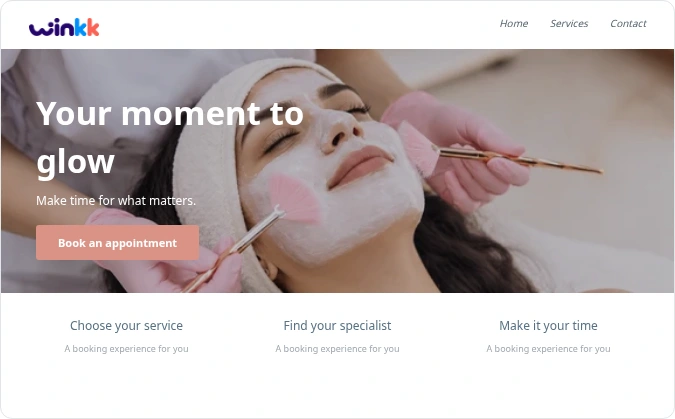
Link to your booking page from your website.
AvailableShare your booking link so clients can choose an available time.
AvailableNative social booking integrations are planned.
PlannedDirect business-profile integration is planned.
PlannedExplore the working essentials and see which specialist capabilities are still being developed.
Bring hair salons appointments into one clear schedule. Choose the service, provider and available time, then review the details before confirmation.
Connect Google Calendar or Outlook, select the calendar and provider, and synchronise bookings and busy times. Private calendar subscriptions and busy-file imports are also available. External accounts require connection setup.
Plan and approve social posts, schedule authorized Instagram publication, and track campaign links and aggregate bookings. Publishing needs connection setup; live publication is disabled and paid ad purchase is not included.
Bring hair salons appointments into one clear schedule. Choose the service, provider and available time, then review the details before confirmation.
Bring hair salons appointments into one clear schedule. Choose the service, provider and available time, then review the details before confirmation.
Bring hair salons appointments into one clear schedule. Choose the service, provider and available time, then review the details before confirmation.
Prepare booking confirmations, changes, cancellations and reminders, and track their delivery status. Configure an authorized provider first; live email and SMS sending is disabled.
Coupons and owner-issued gift credit work with eligible appointment bookings. Products, service add-ons and prepaid packages remain in development.
Bring hair salons appointments into one clear schedule. Choose the service, provider and available time, then review the details before confirmation.
Install the client booking web app or the admin web app from a supported browser. An Android admin review APK is also available. Store distribution, native iOS and push notifications are not included.
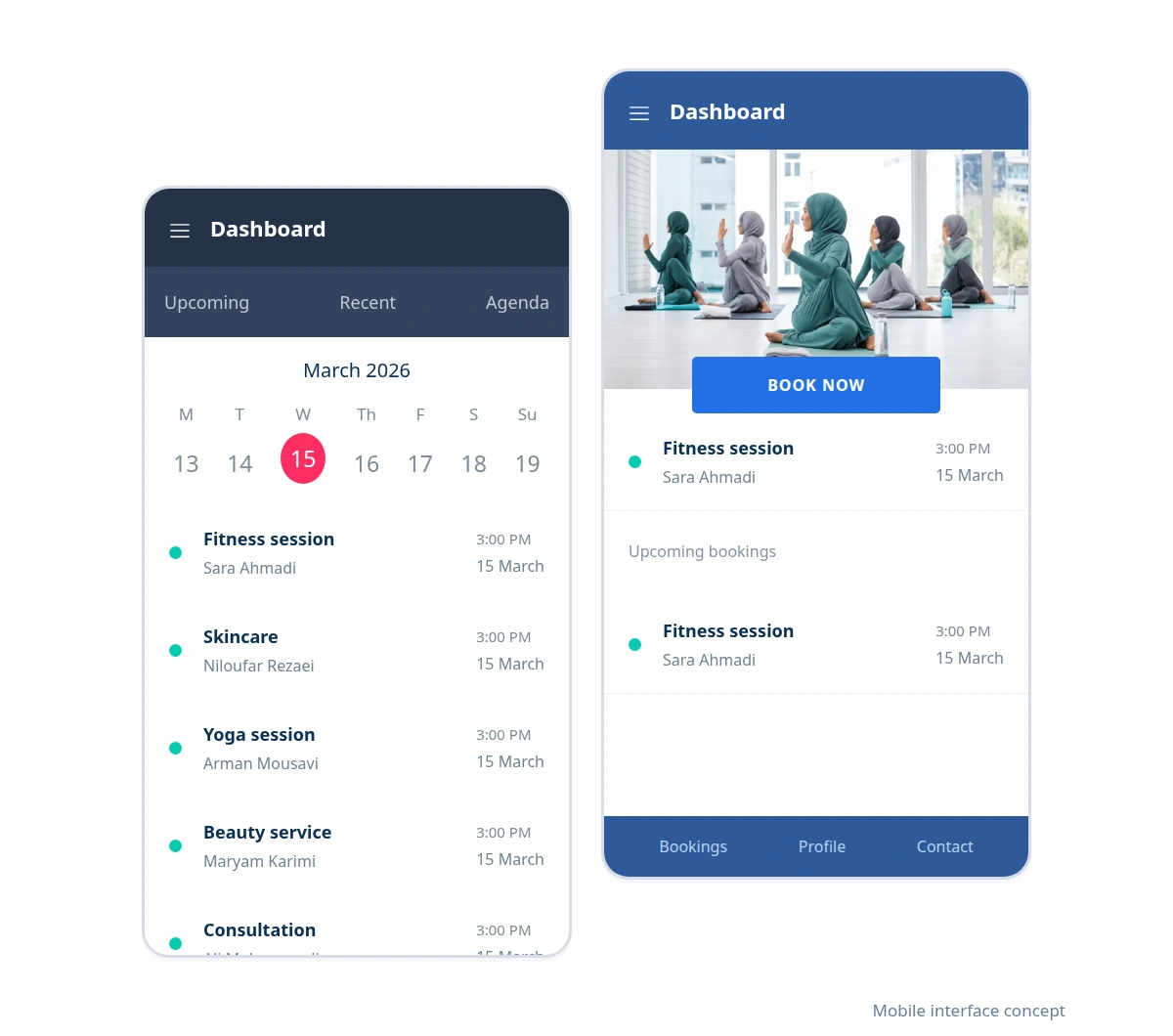
Clients can choose a service and time in their mobile browser. Your team can also open the calendar and manage appointments on the web.
Responsive booking; no installation needed.
Manage appointments in the business workspace.
Client/admin web apps and an Android admin review build are available. Store distribution and native iOS are not included.
Try mobile bookingWalk through the journey from your client’s point of view. The example contains demonstration data.
Keep cuts, styling and consultations organised by service and stylist. Clients can check the price before choosing an appointment.
Explore an example from service selection to appointment confirmation. Then create your business workspace and start setting up services and working hours.
Demonstration examples with synthetic data. These are not customer endorsements.
Start with the booking example and explore the tools that fit your business.

Create your business, set your availability and share your booking link with clients.