فارسی
فارسی
Keep appointments and follow-ups on track
- Allow eligible appointments to be rescheduled under clinic rules.
- Reminders are configurable; live delivery requires an activated sending service.
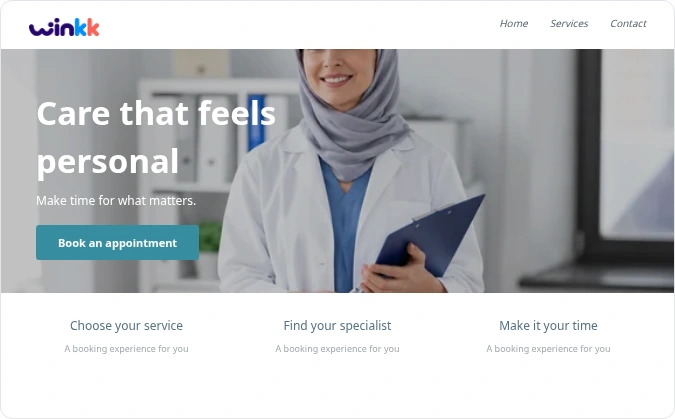
Give clients one clear place to see your services, team and available appointments, with a booking journey that adapts to their screen.
Keep appointments and team availability together, with clear availability information for specialist tools.
Set the duration, price and eligible team members for each service.
Set weekly hours and exceptions for holidays or time off.
Leave a buffer between appointments when your service needs it.
These capabilities are not enabled in the current booking examples. The example uses scheduled appointments and pay-at-business pricing.
These capabilities are not enabled in the current booking examples. The example uses scheduled appointments and pay-at-business pricing.
Organise dental appointment times by practitioner and service duration, with a clear booking confirmation for the patient.
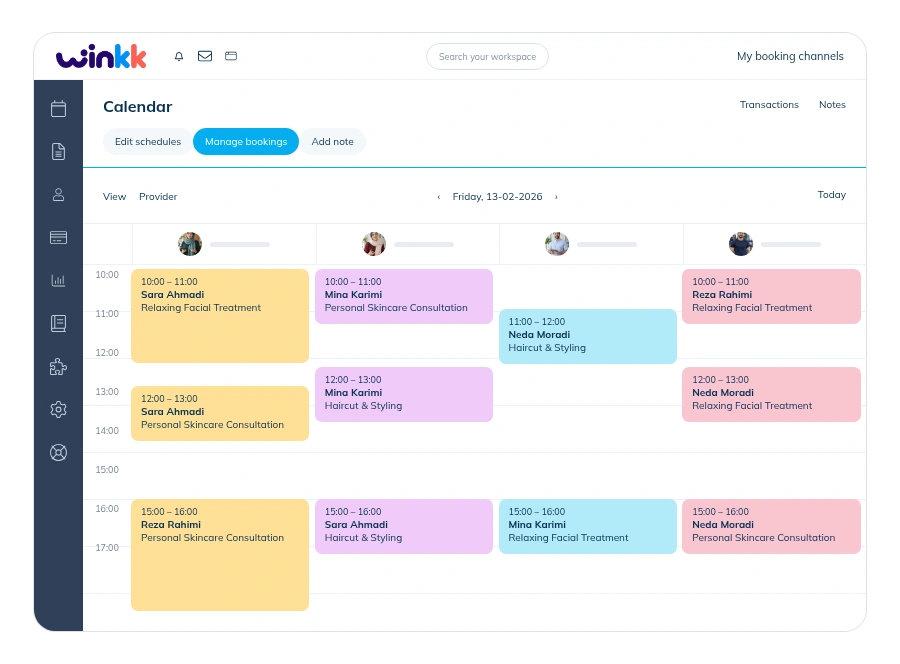
Explore the working essentials and see which specialist capabilities are still being developed.
Set a return-invitation delay and design the email. Only consenting clients with an eligible past appointment are included. Live sending is disabled until the delivery service is activated.
Configurable intake forms are planned and not enabled. Booking currently collects fixed contact details and an optional note; sensitive clinical questionnaires need a separately verified workflow.
Structured clinical notes need separate access controls and a clinical record workflow. This module is planned; appointment notes are not a patient record.
Connect Google Calendar or Outlook, select the calendar and provider, and synchronise bookings and busy times. Private calendar subscriptions and busy-file imports are also available. External accounts require connection setup.
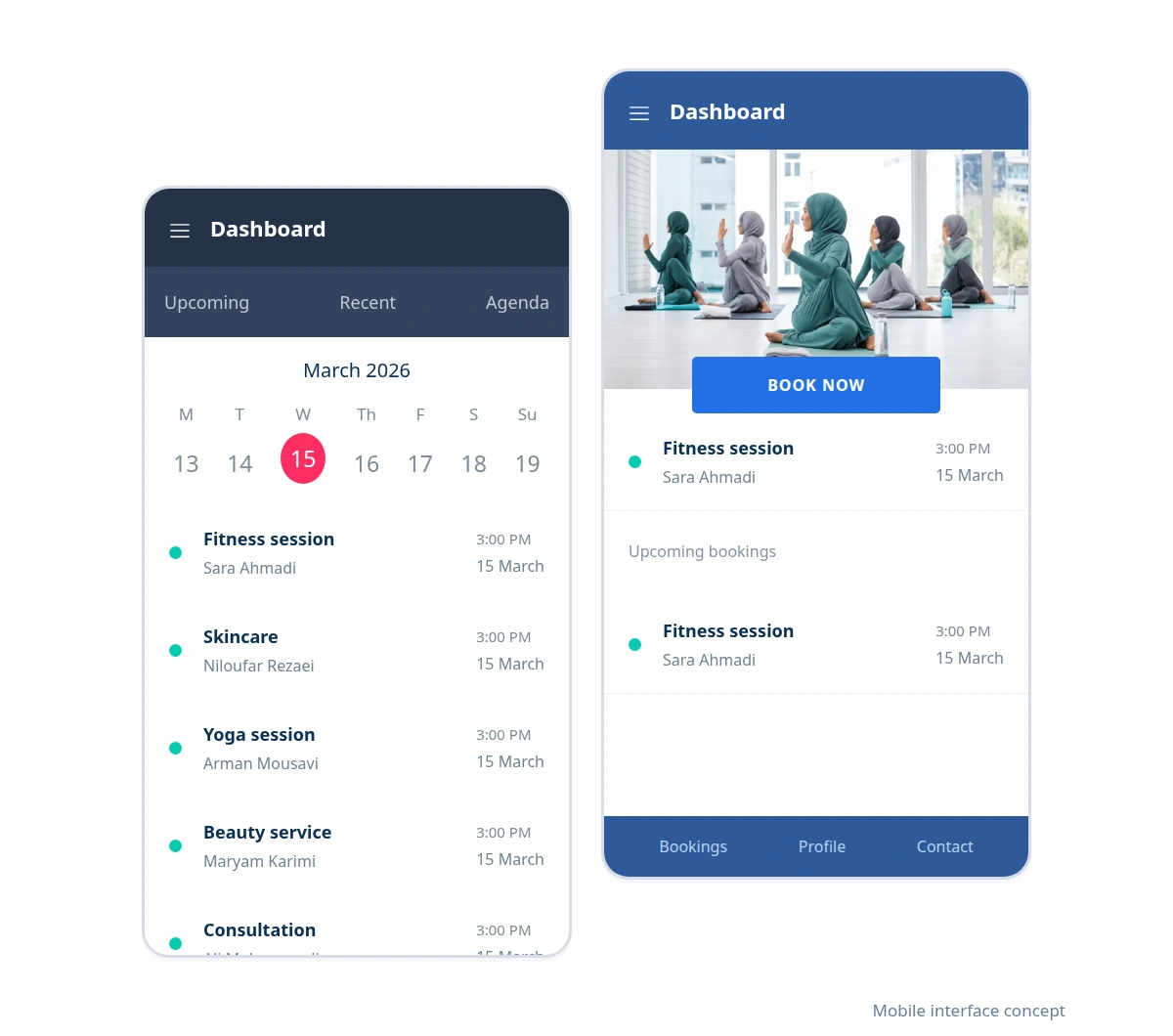
Clients can choose a service and time in their mobile browser. Your team can also open the calendar and manage appointments on the web.
Responsive booking; no installation needed.
Manage appointments in the business workspace.
Client/admin web apps and an Android admin review build are available. Store distribution and native iOS are not included.
Try mobile bookingWalk through the journey from your client’s point of view. The example contains demonstration data.
Organise dental appointment times by practitioner and service duration, with a clear booking confirmation for the patient.
Explore an example from service selection to appointment confirmation. Then create your business workspace and start setting up services and working hours.
Demonstration examples with synthetic data. These are not customer endorsements.
Start with the booking example and explore the tools that fit your business.

Create your business, set your availability and share your booking link with clients.