 فارسی
فارسی
Set up your business
Add services, providers, working hours and business details.
Explore calendar connections, photo galleries and website booking tools. External services need valid credentials and business permission.
Available in partOptional features are enabled and configured by each business.Google Calendar can exchange booking events and busy times after setup. Keep an eye on connection status so your available times stay dependable.
Setup guide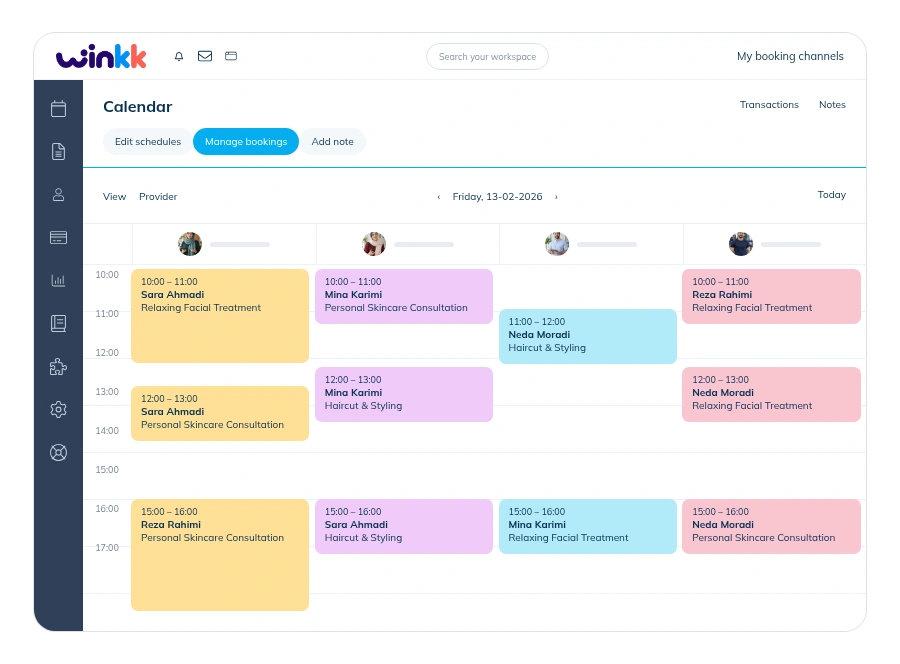
Use the booking widget to give visitors a direct route to your services. Calendar and gallery integrations can be enabled or disabled separately.
Help & answers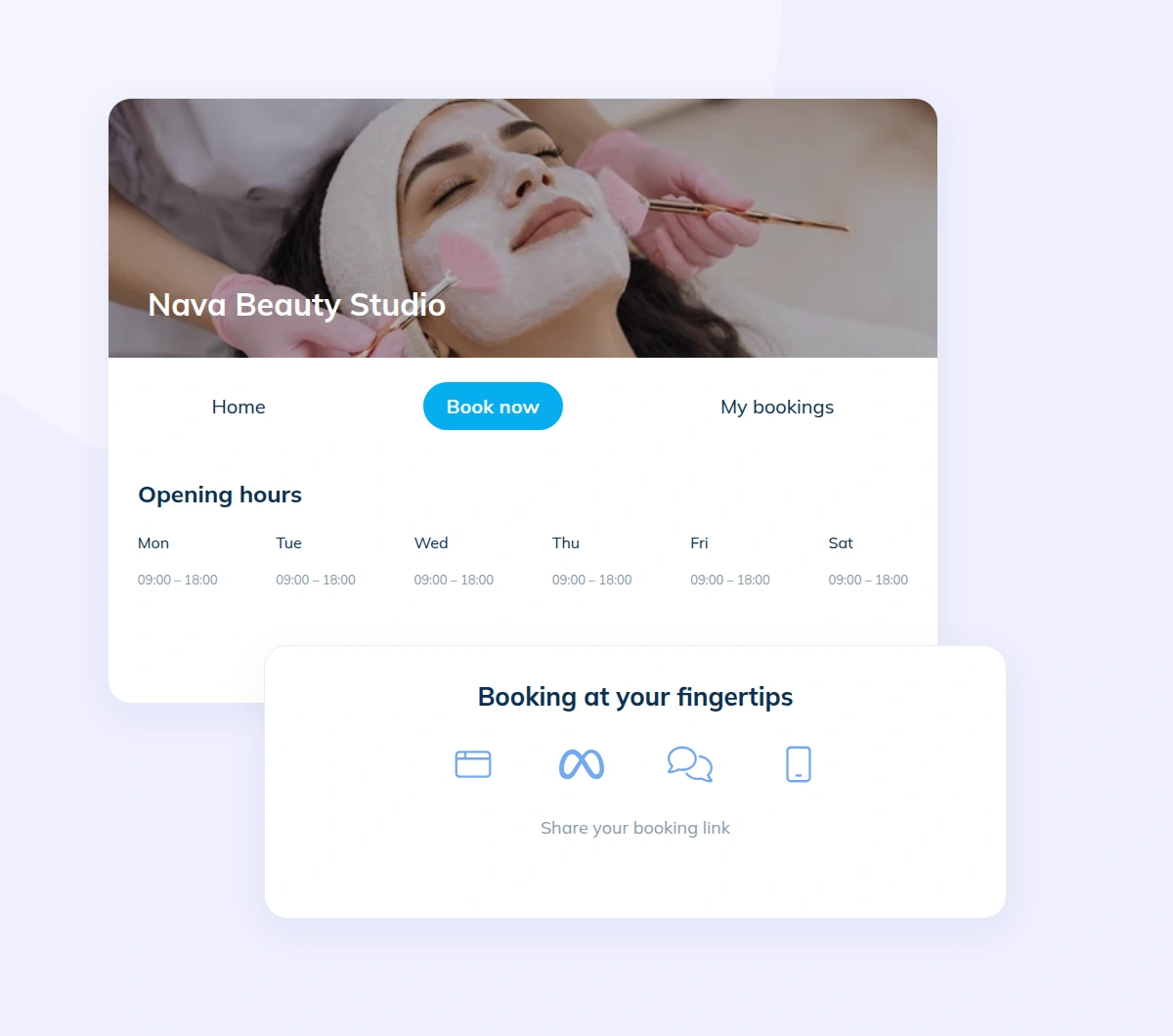
Add services, providers, working hours and business details.
Check your website and booking settings before publishing.
Let customers open your website and book available times.
Set up your services and working hours, then share your booking website with customers.