 فارسی
فارسی
Choose your service
Read the description, duration and price before selecting.
Follow the customer journey from selecting a service to reviewing the final appointment details.
Available in WinkkOptional features are enabled and configured by each business. WinkkBook effortlessly.
The booking page brings service choice, provider choice and available times into one guided flow. If a time is taken before confirmation, choose another available slot.
Setup guide
Check the selected service, provider, date and price. A successful confirmation shows your reservation and its management link. Video tutorials are coming soon.
Help & answers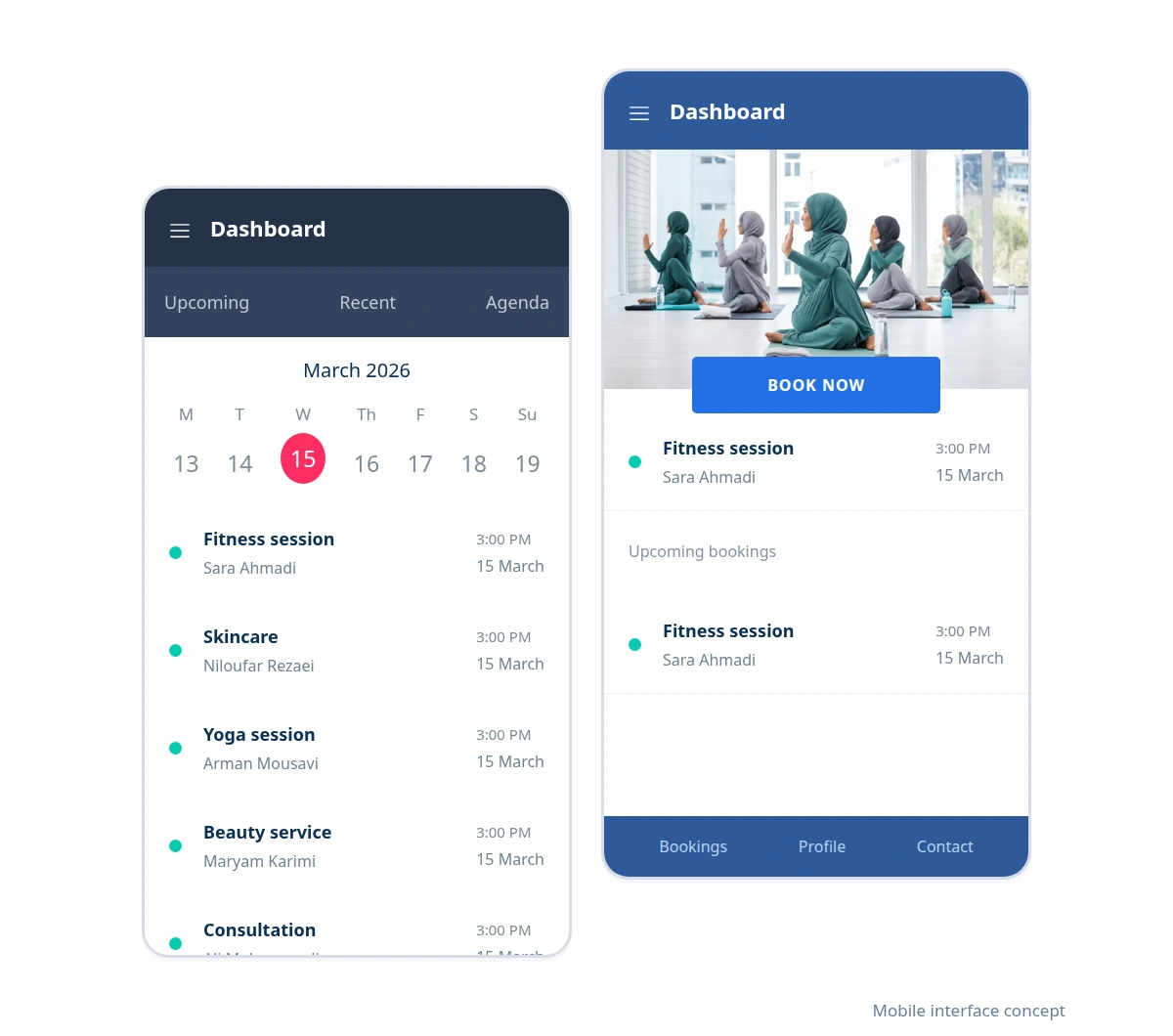
Read the description, duration and price before selecting.
Select a provider and a time offered by the business.
Check the details and save your booking management link.
Set up your services and working hours, then share your booking website with customers.