 فارسی
فارسی
Set up your business
Add services, providers, working hours and business details.
Set up services, your team and available hours. Preview the customer experience before publishing your business website.
Available in WinkkOptional features are enabled and configured by each business.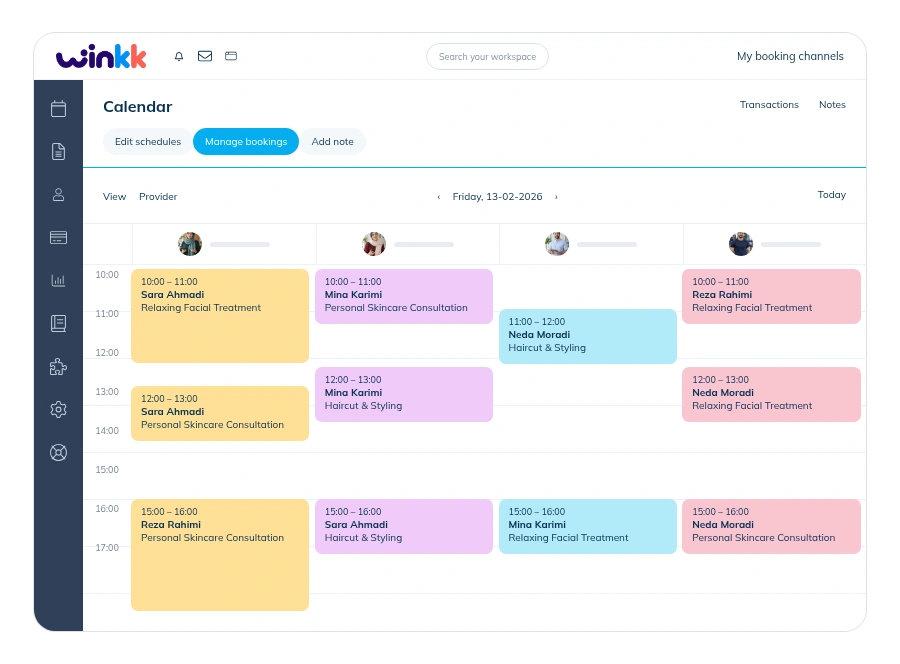
 WinkkBook effortlessly.
Add clear service names, descriptions, prices and durations. Assign the people who can deliver each service so customers see appropriate choices.
Open setupFollow the guided setup: choose industry services, add your team, set working hours and apply a website design. Review the readiness checklist and customer preview, then publish when you are ready to accept bookings.
Help & answers
Add services, providers, working hours and business details.
Check your website and booking settings before publishing.
Let customers open your website and book available times.
Set up your services and working hours, then share your booking website with customers.