فارسی
فارسی
Your website
Link to your booking page from your website.
AvailableGive clients one clear place to see your services, team and available appointments, with a booking journey that adapts to their screen.
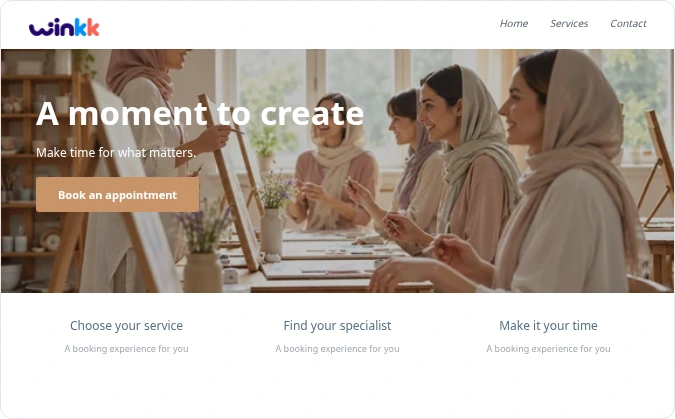
Link to your booking page from your website.
AvailableShare your booking link so clients can choose an available time.
AvailableNative social booking integrations are planned.
PlannedDirect business-profile integration is planned.
PlannedPublish available session times and let visitors arrange a group activity with a clear reservation summary.
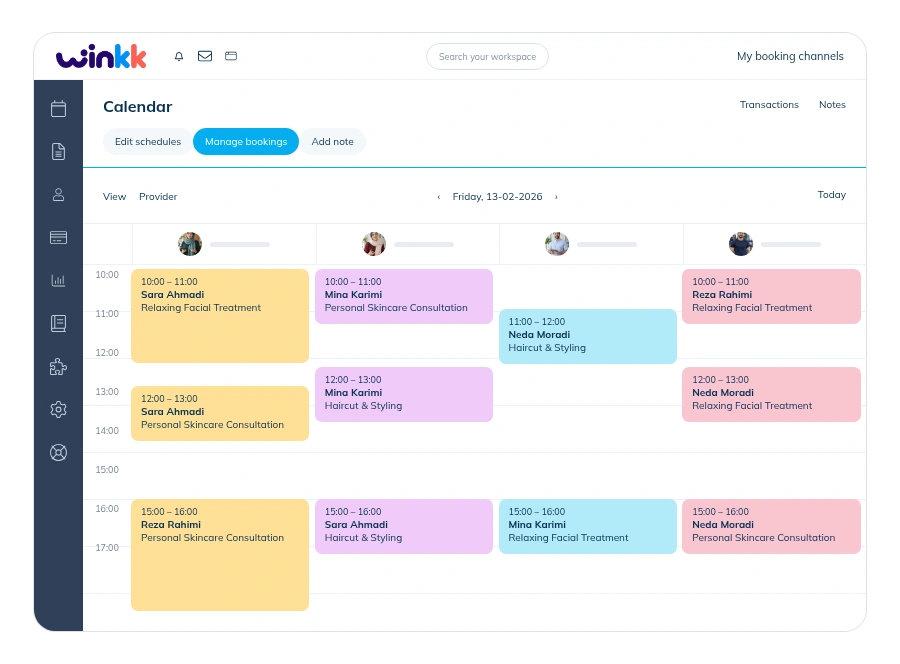
Keep appointments and team availability together, with clear availability information for specialist tools.
Set the duration, price and eligible team members for each service.
Set weekly hours and exceptions for holidays or time off.
Leave a buffer between appointments when your service needs it.
These capabilities are not enabled in the current booking examples. The example uses scheduled appointments and pay-at-business pricing.
These capabilities are not enabled in the current booking examples. The example uses scheduled appointments and pay-at-business pricing.
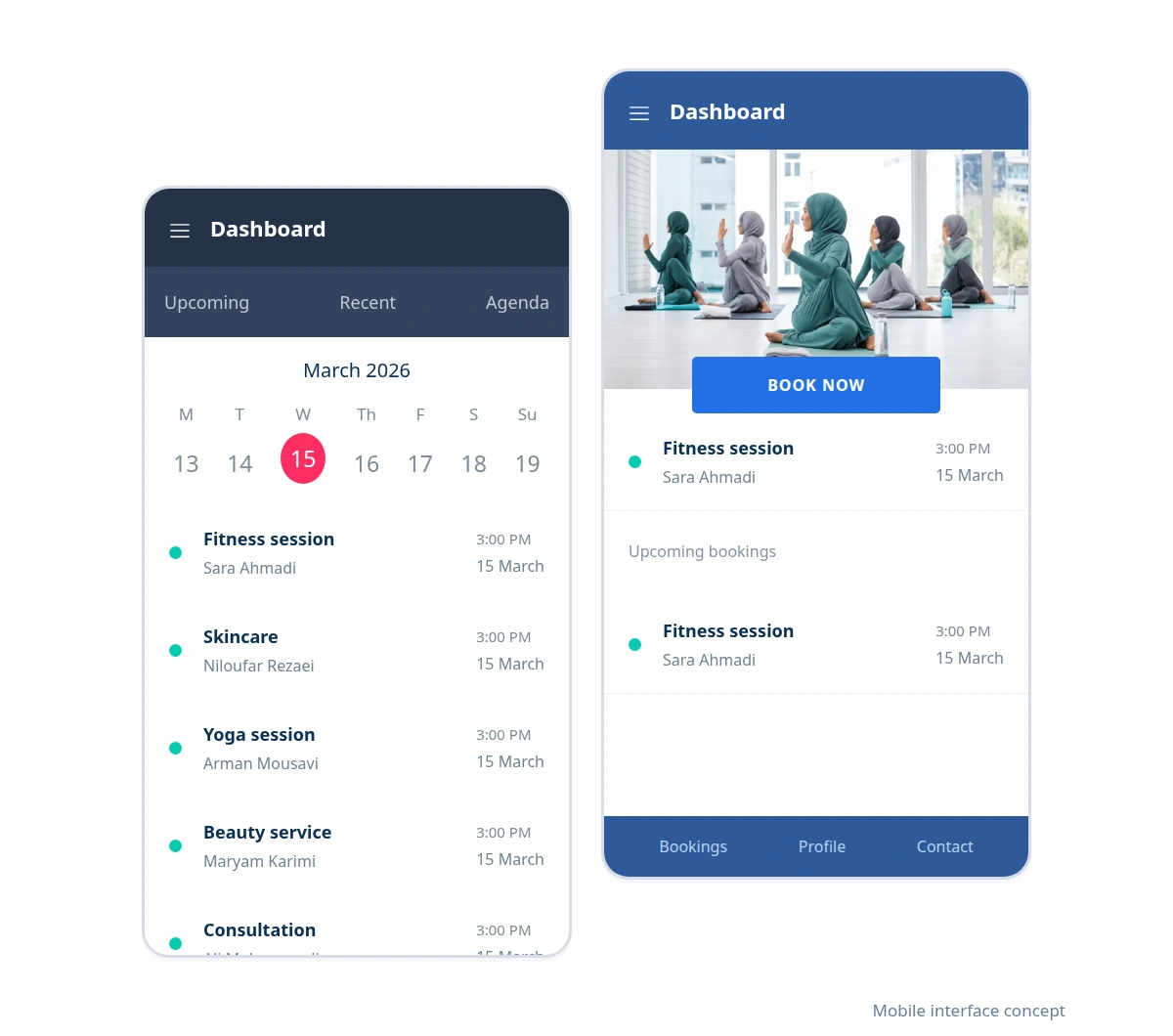
Clients can choose a service and time in their mobile browser. Your team can also open the calendar and manage appointments on the web.
Responsive booking; no installation needed.
Manage appointments in the business workspace.
Client/admin web apps and an Android admin review build are available. Store distribution and native iOS are not included.
Try mobile bookingWalk through the journey from your client’s point of view. The example contains demonstration data.
Publish available session times and let visitors arrange a group activity with a clear reservation summary.
Explore an example from service selection to appointment confirmation. Then create your business workspace and start setting up services and working hours.
Demonstration examples with synthetic data. These are not customer endorsements.
Start with the booking example and explore the tools that fit your business.

Create your business, set your availability and share your booking link with clients.