 فارسی
فارسی
Set up your business
Add services, providers, working hours and business details.
Practical answers for setting up your business, accepting bookings and helping customers manage appointments.
Available in WinkkOptional features are enabled and configured by each business.Check service durations, provider assignments and working hours first. If no appointment times appear, confirm the website is published and the service and provider are enabled.
Setup guide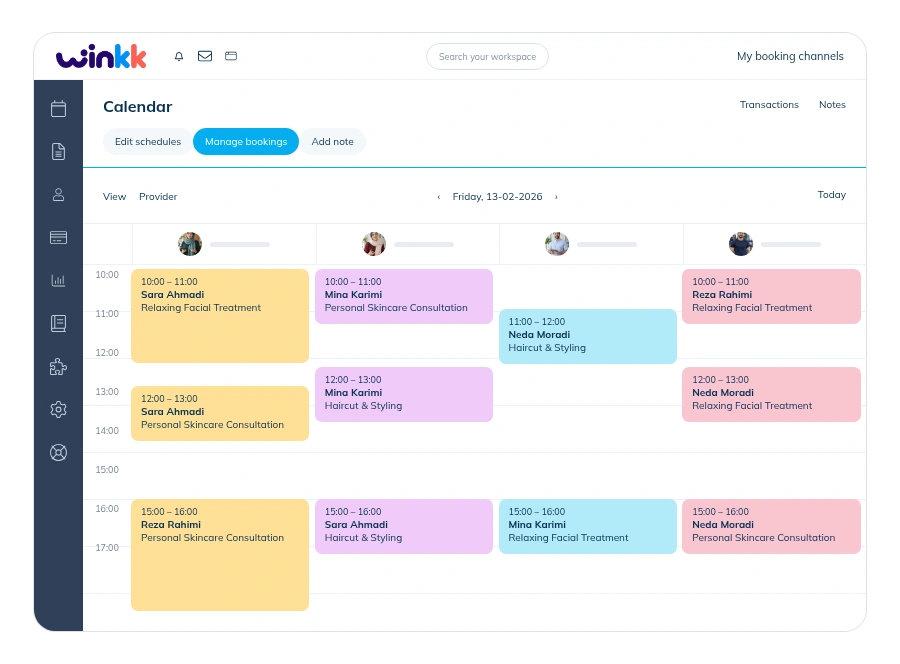
The confirmation screen includes booking details and a management link. Changes follow business policy; messages may not arrive while delivery providers remain unconfigured. Live chat support is coming soon.
Step-by-step booking guide
Add services, providers, working hours and business details.
Check your website and booking settings before publishing.
Let customers open your website and book available times.
Set up your services and working hours, then share your booking website with customers.