 فارسی
فارسی
Set up your business
Add services, providers, working hours and business details.
Show clear prices, accept payment at your business, or configure Zarinpal for online payment. Real charges require the merchant account and platform payment switch.
Connection requiredOptional features are enabled and configured by each business.Set each service price and show the booking total before confirmation. Persian prices display a clear toman unit; the recorded amount remains attached to the booking.
Setup guide
Configure the merchant account, review payment readiness and track attempts and verification results. Zarinpal callbacks are verified on the server. Live payments remain disabled; pay-at-business booking continues.
Help & answers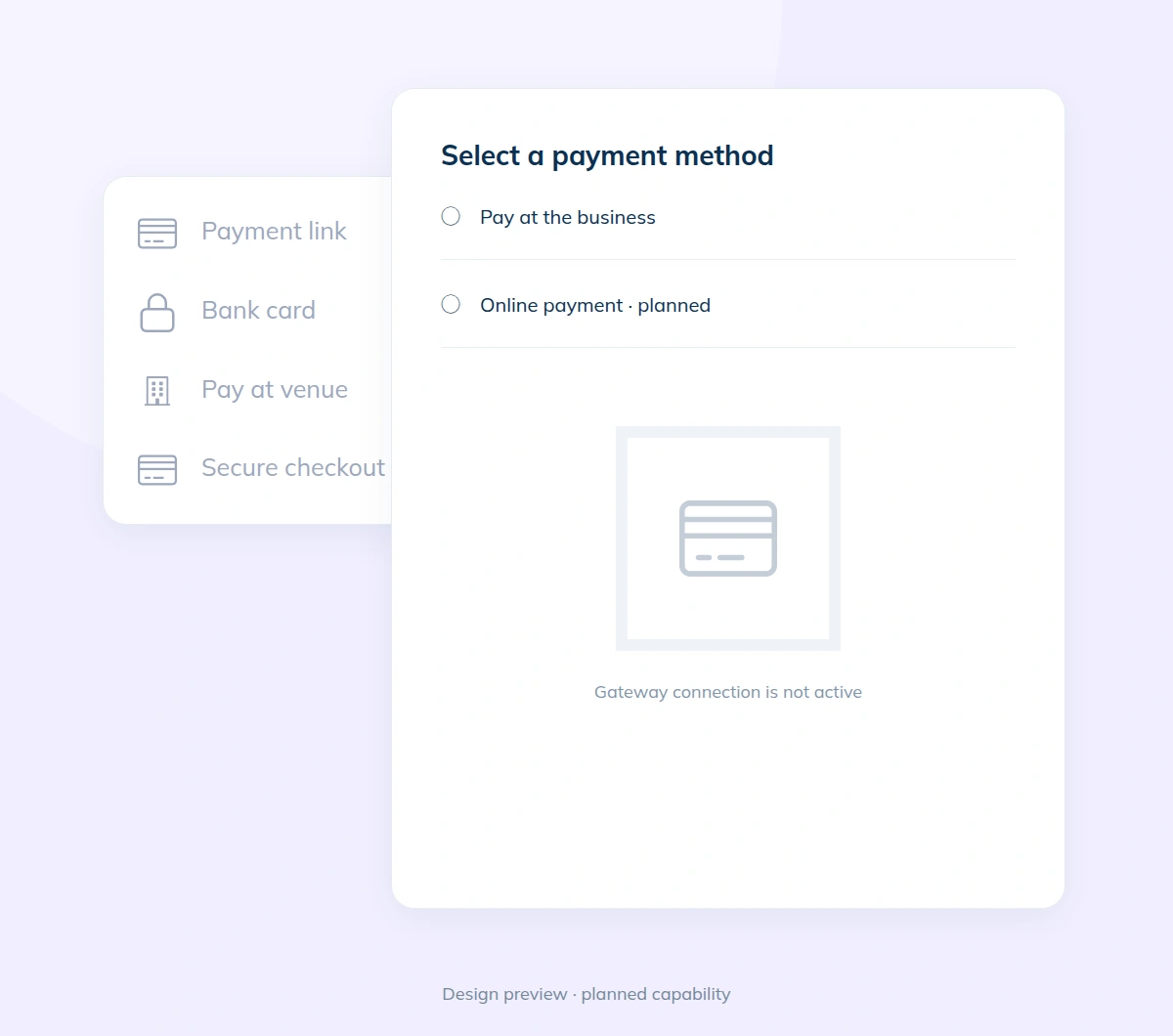
Add services, providers, working hours and business details.
Check your website and booking settings before publishing.
Let customers open your website and book available times.
Set up your services and working hours, then share your booking website with customers.