 فارسی
فارسی
Set up your business
Add services, providers, working hours and business details.
Bring photos from a connected professional Instagram account to your booking website, alongside the services customers can reserve.
Connection requiredOptional features are enabled and configured by each business.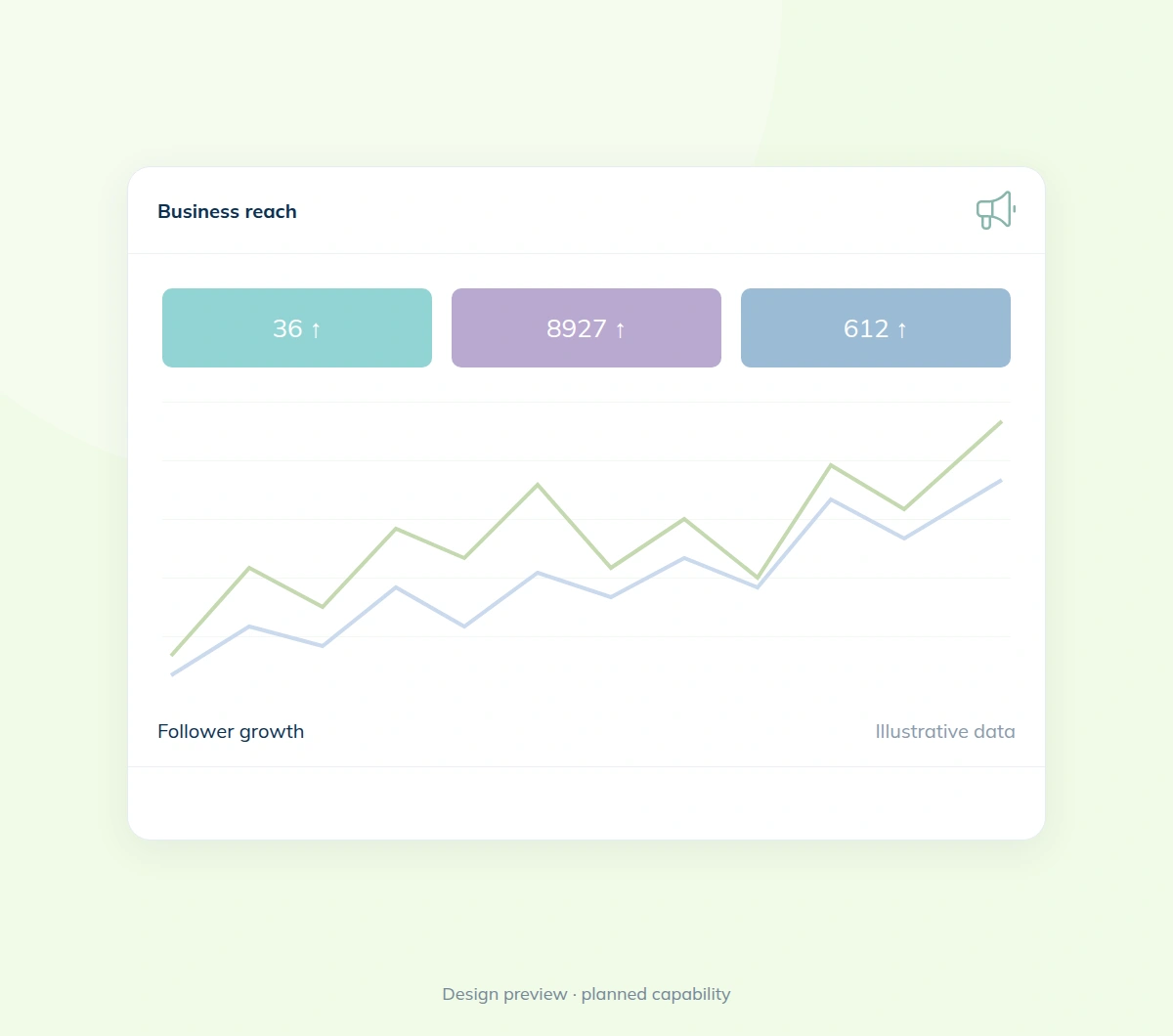
 WinkkBook effortlessly.
Enable Instagram photo sharing, authorize a professional account and synchronize its photos. The gallery appears only when the business has enabled it and usable images are available.
Setup guide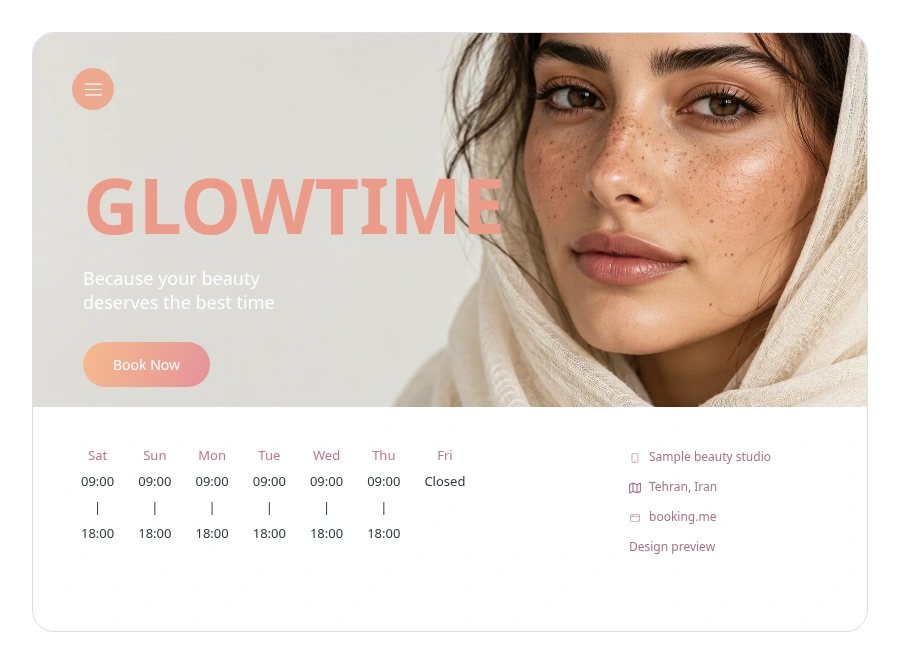
Review account connection and synchronization status in business settings. Connecting a gallery does not create social posts, buy ads or accept bookings inside Instagram.
Help & answersAdd services, providers, working hours and business details.
Check your website and booking settings before publishing.
Let customers open your website and book available times.
Set up your services and working hours, then share your booking website with customers.